One sentence in.
No outlines, no templates, no decisions. Type what your deck is about and Slidesy researches, writes, and lays it out for you.
Type a single sentence. Slidesy's AI does the research, writing, and design — so you walk into your meeting with something that doesn't look like a teenager's PowerPoint.
No sign-up required. Free to try.
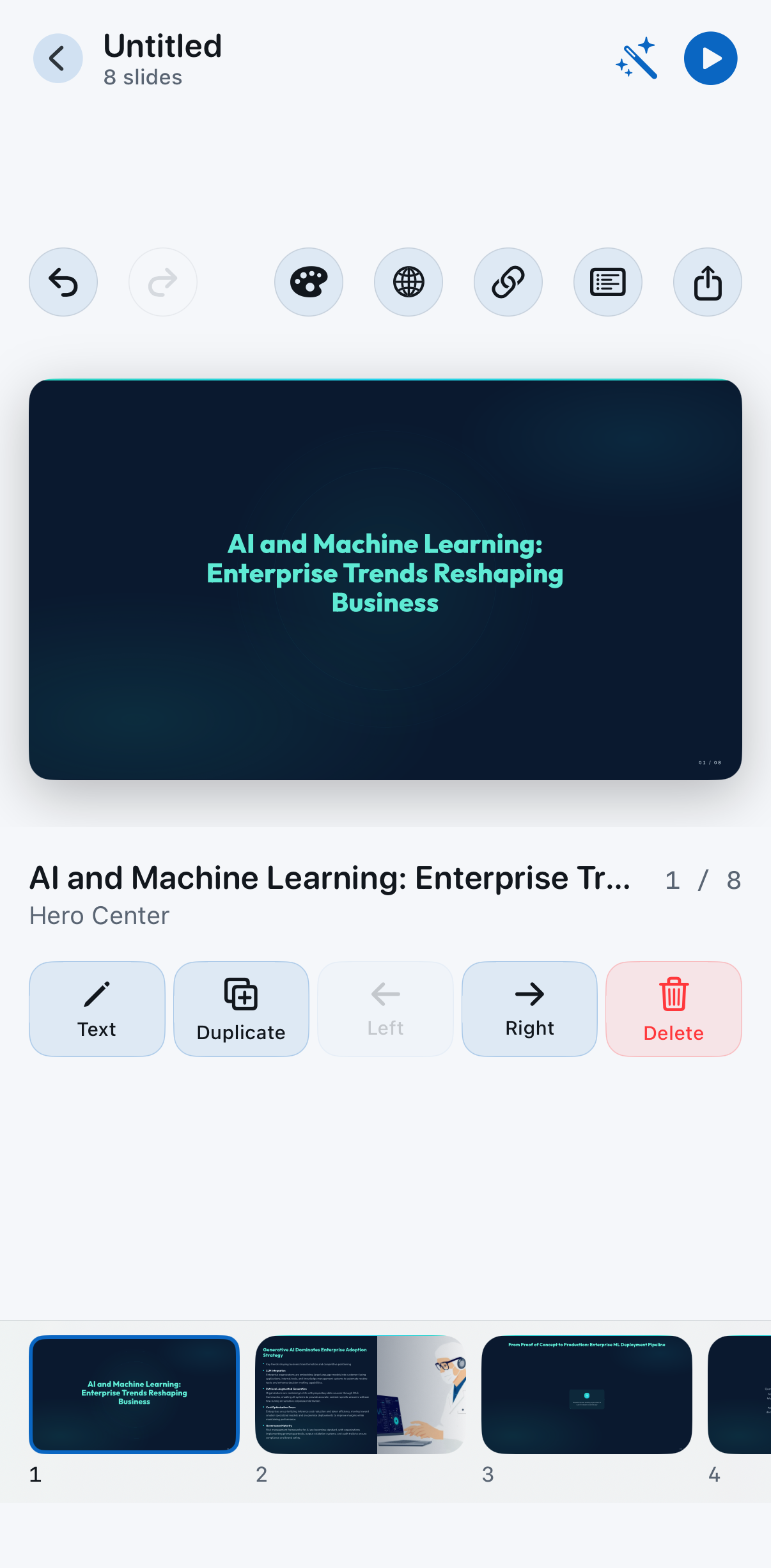
No outlines, no templates, no decisions. Type what your deck is about and Slidesy researches, writes, and lays it out for you.
Typography that reads like a magazine. Layouts that breathe. Colors that don't look like 2003 PowerPoint. Polished by default.
Don't like slide 4? Tap regenerate. Want it shorter? Tap regenerate. Want a different angle? Tap regenerate. Iterate in seconds, not hours.
Editable PowerPoint for your boss. Polished PDF for stakeholders. Public share link for everyone else. No file conversion drama.
Type in Turkish, present in English. Type in English, hand off in Brazilian Portuguese. Translation built in, not bolted on.
Build a deck on the bus, edit it from the cab, present it from a coffee shop. Slidesy is the deck tool for people who don't sit at desks all day.
"Customer onboarding strategy", "Series A pitch", "Class lecture on cell biology" — one sentence is enough.
Research, copy, layout, theme. Six to twenty slides depending on what your topic needs. Average build time: 30 seconds.
Tweak any slide. Regenerate the ones you don't love. Export to PPT or PDF. Share with one tap.
A quick selection. Full FAQ + contact on the support page.
No. Slidesy runs anonymously on first launch — no email, no password, no social login. You can use the app fully without ever creating an account.
Yes. Your prompts and generated decks are stored against an anonymous identifier so you can return to them later. We don't sell them, we don't train third-party models on them.
Generation works in 19 languages including English, Turkish, Spanish, French, Italian, Portuguese (both Brazilian and European variants), Chinese, Japanese, Korean, Arabic, Hindi, and more. The app interface is currently localized to eight of those.
Yes, anytime. Open iPhone Settings → tap your name at the top → Subscriptions → Slidesy → Cancel. Your access continues until the end of the current billing period.